Here it is guys!!!!!!
RIPTIDE GP2
Google Play store Link play.store/RGP2
Price Of Game- Rs 150 / $2.42
DESCRIPTION:
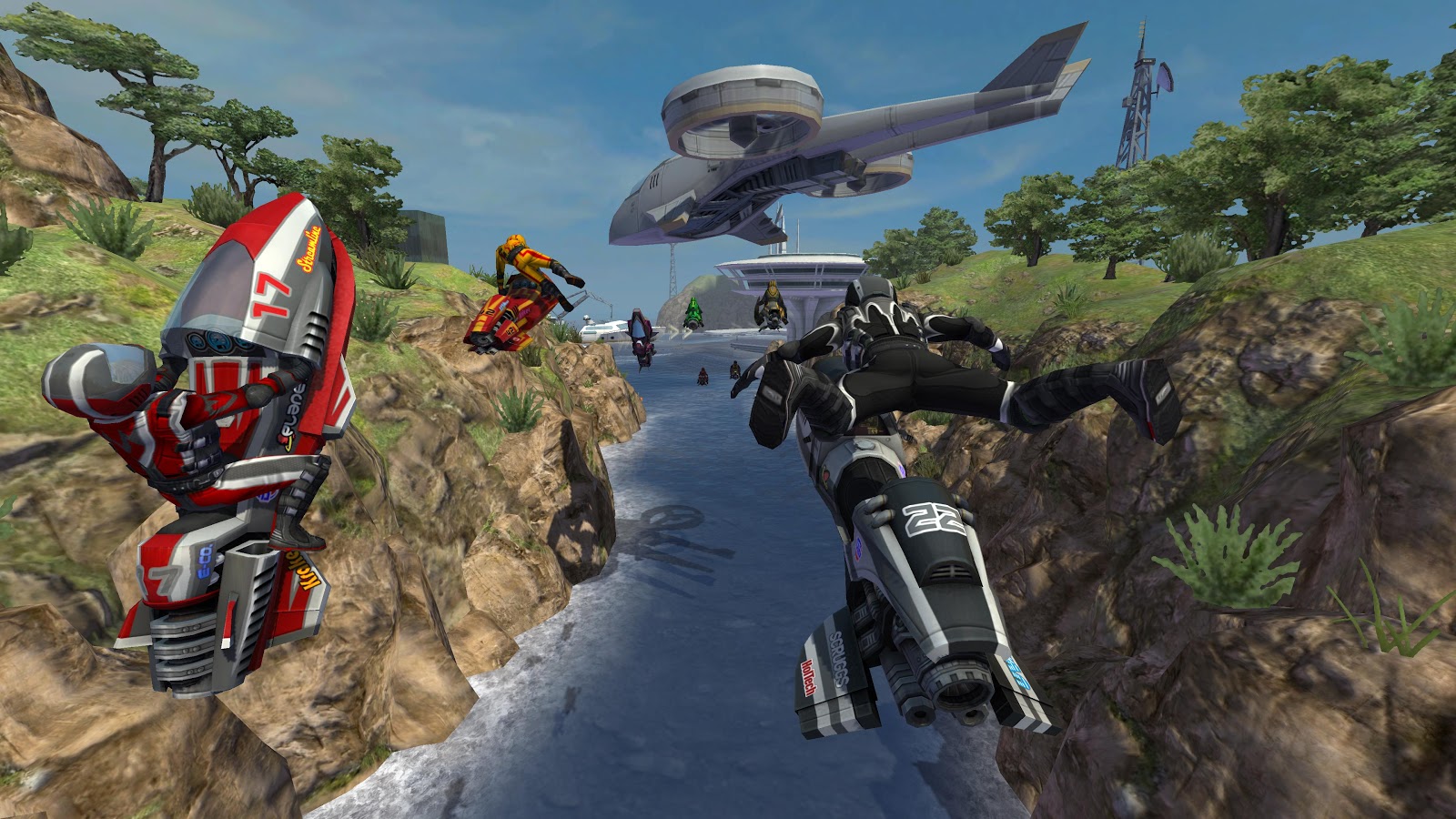
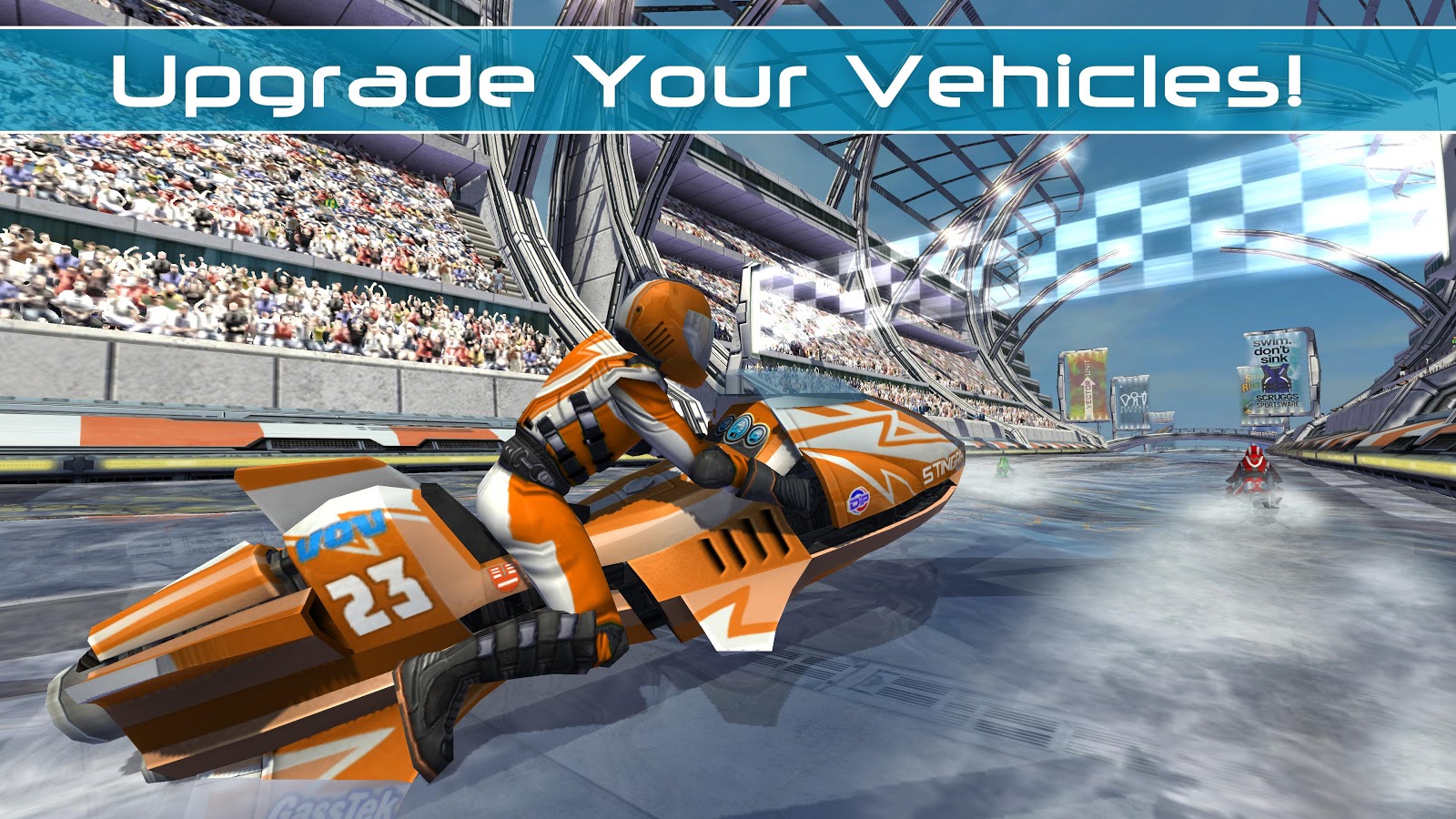
Riptide GP™2 kicks everything into overdrive, with intense online multi-player races, upgradeable hydro jets and riders, improved graphics, an all-new career mode, and a whole new stunt system with dozens of new tricks!
Featuring rocket-powered hydro jets racing around futuristic tracks across a dynamic and interactive water surface, Riptide GP2 delivers a fast, fun, and visually stunning racing experience.
From Vector Unit, developers of acclaimed racing games Riptide GP, Beach Buggy Blitz, Shine Runner, and Hydro Thunder Hurricane!
• • GAME FEATURES • •
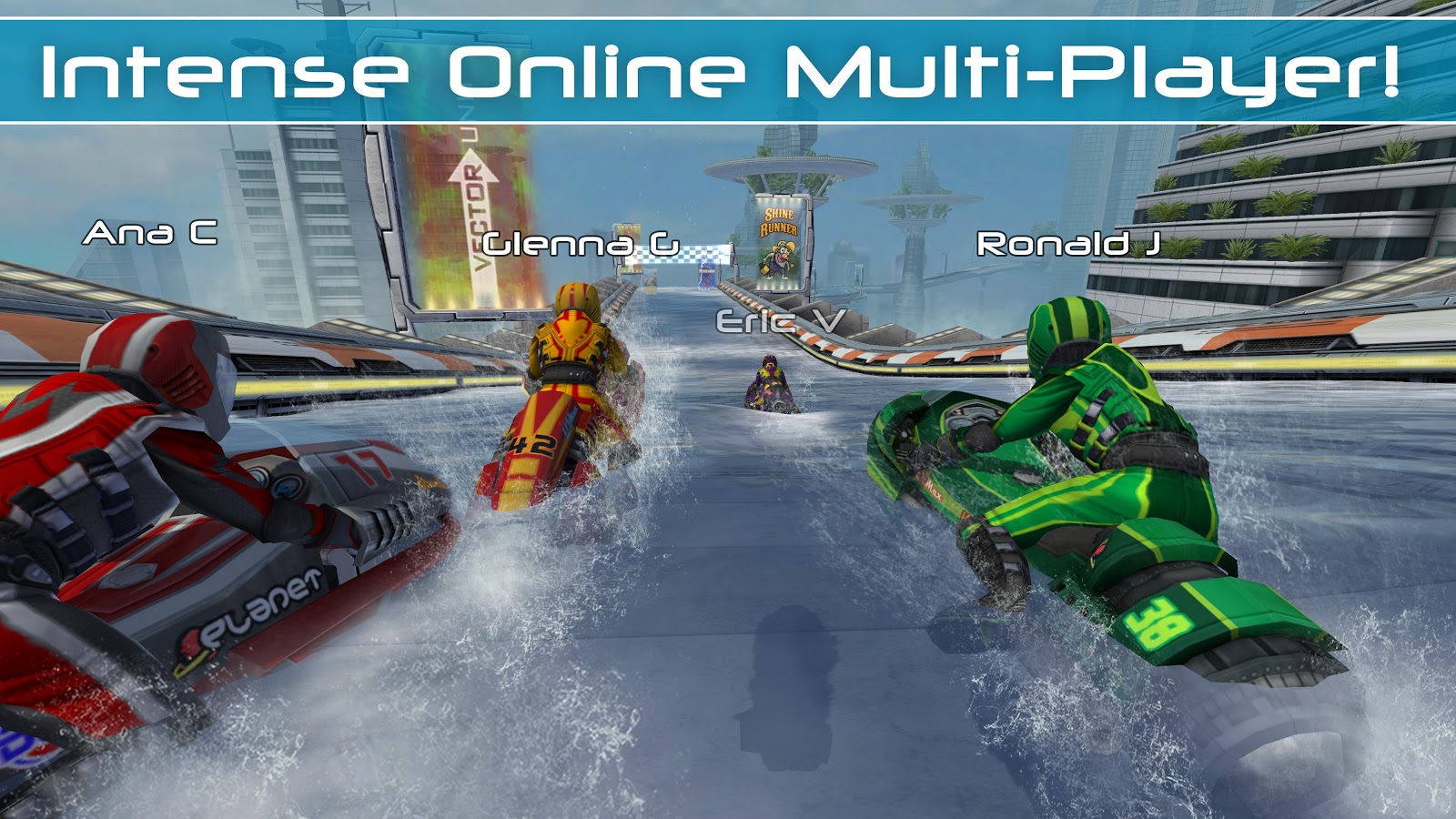
• ONLINE MULTI-PLAYER
• Show off your skills and your custom-tuned hydro jet in 4-way online battles with friends and players around the world!
• CHALLENGE YOUR FRIENDS
• Race against your friends' best times in the exciting VR Challenge mode.
• ALL NEW CAREER MODE
• Play through Race, Hot Lap, Elimination, and Freestyle events to earn XP and cash that can be used to upgrade your hydro jet, unlock new stunts, and increase your rider's performance.
• ALL NEW WATERCRAFT
• Collect 9 powerful new hydro jets, and upgrade their performance and colors to gain an edge on your competition.
• ALL NEW STUNT SYSTEM
• Unlock and master 25 outrageous new stunts. Wow the crowd, charge your boost and make your competition eat wake.
• GAME THE WAY YOU WANT
• Seamlessly supports multiple control configurations for tilt, touch-screen, and gamepad play.
• GOOGLE PLAY GAME SERVICES
• Race online, earn achievements and keep your game synced to the cloud with your Google account.
• CUTTING EDGE TECH
• Powered by the all-new Vector Engine 4, Riptide GP2 builds on the original game’s stunning visuals, with extra-detailed HD graphics!
• OPTIMIZED FOR TEGRA 4
• Featuring additional optimizations exclusively for Tegra 4: higher-resolution textures, complex shaders, dynamic lighting, and real-time shadows. As featured in Tegra Zone! Play it on NVIDIA SHIELD!
• • CUSTOMER SUPPORT • •
If you encounter a problem running the game, please email the device you're using, Android OS version, and a detailed description of your problem to support@vectorunit.com.
We GUARANTEE if we can't fix your problem we'll give you a refund. But we can't help you if you just leave your problem in a review.
For fastest support on most common issues please visit:
www.vectorunit.com/support
• • MORE INFORMATION • •
Be the first to hear about updates, download custom images, and interact with the developers!
Like us on Facebook at www.facebook.com/VectorUnit
Follow us on Google+ at www.vectorunit.com/+
Follow us on Twitter @vectorunit.
Visit our web page at www.vectorunit.com
We welcome comments and suggestions for future improvements. If you have a suggestion, or just want to say hi, email us at info@vectorunit.com.
DOWNLOAD INSTRUCTIONS:
1) Download (.apk) file from given links.
2) Put .apk file in sd card.
3) Install app through your phone and enjoy!!!!
DOWNLOAD LINKS:
LINK 1 (ZIPPYSHARE)
LINK 2 (FILE SEAR)
LINK 3 (4SHARED)
RIPTIDE GP2
Google Play store Link play.store/RGP2
Price Of Game- Rs 150 / $2.42
DESCRIPTION:
Riptide GP™2 kicks everything into overdrive, with intense online multi-player races, upgradeable hydro jets and riders, improved graphics, an all-new career mode, and a whole new stunt system with dozens of new tricks!
Featuring rocket-powered hydro jets racing around futuristic tracks across a dynamic and interactive water surface, Riptide GP2 delivers a fast, fun, and visually stunning racing experience.
From Vector Unit, developers of acclaimed racing games Riptide GP, Beach Buggy Blitz, Shine Runner, and Hydro Thunder Hurricane!
• • GAME FEATURES • •
• ONLINE MULTI-PLAYER
• Show off your skills and your custom-tuned hydro jet in 4-way online battles with friends and players around the world!
• CHALLENGE YOUR FRIENDS
• Race against your friends' best times in the exciting VR Challenge mode.
• ALL NEW CAREER MODE
• Play through Race, Hot Lap, Elimination, and Freestyle events to earn XP and cash that can be used to upgrade your hydro jet, unlock new stunts, and increase your rider's performance.
• ALL NEW WATERCRAFT
• Collect 9 powerful new hydro jets, and upgrade their performance and colors to gain an edge on your competition.
• ALL NEW STUNT SYSTEM
• Unlock and master 25 outrageous new stunts. Wow the crowd, charge your boost and make your competition eat wake.
• GAME THE WAY YOU WANT
• Seamlessly supports multiple control configurations for tilt, touch-screen, and gamepad play.
• GOOGLE PLAY GAME SERVICES
• Race online, earn achievements and keep your game synced to the cloud with your Google account.
• CUTTING EDGE TECH
• Powered by the all-new Vector Engine 4, Riptide GP2 builds on the original game’s stunning visuals, with extra-detailed HD graphics!
• OPTIMIZED FOR TEGRA 4
• Featuring additional optimizations exclusively for Tegra 4: higher-resolution textures, complex shaders, dynamic lighting, and real-time shadows. As featured in Tegra Zone! Play it on NVIDIA SHIELD!
• • CUSTOMER SUPPORT • •
If you encounter a problem running the game, please email the device you're using, Android OS version, and a detailed description of your problem to support@vectorunit.com.
We GUARANTEE if we can't fix your problem we'll give you a refund. But we can't help you if you just leave your problem in a review.
For fastest support on most common issues please visit:
www.vectorunit.com/support
• • MORE INFORMATION • •
Be the first to hear about updates, download custom images, and interact with the developers!
Like us on Facebook at www.facebook.com/VectorUnit
Follow us on Google+ at www.vectorunit.com/+
Follow us on Twitter @vectorunit.
Visit our web page at www.vectorunit.com
We welcome comments and suggestions for future improvements. If you have a suggestion, or just want to say hi, email us at info@vectorunit.com.
DOWNLOAD INSTRUCTIONS:
1) Download (.apk) file from given links.
2) Put .apk file in sd card.
3) Install app through your phone and enjoy!!!!
DOWNLOAD LINKS:
LINK 1 (ZIPPYSHARE)
LINK 2 (FILE SEAR)
LINK 3 (4SHARED)