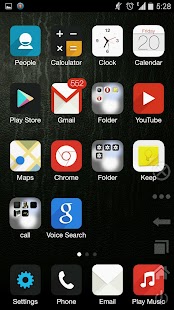
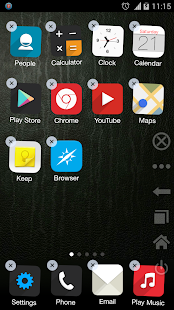
Here it is guys!!!!!!!!!
NEXT LAUNCHER 3D SHELL
Google play store link
https://play.store/nextlauncher
Price of app ---- Rs-1062.09/ $17.38
DESCRIPTION:
Next Launcher 3D Shell— Best 3D Launcher Ever. + Brand new UI3.0 Just Released!
Next
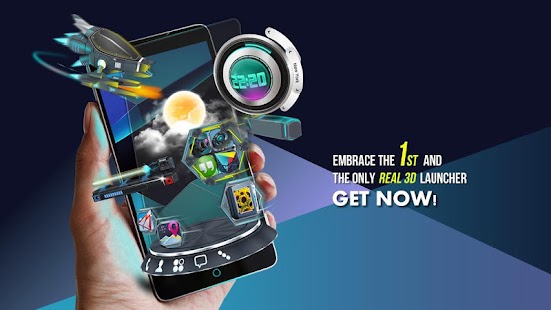
Launcher 3D Shell shows you how 3D dynamic effects and highly
customizable Android home screen replacement app could redefine your
Android device. Time to get rid of the flat traditional launcher and
embrace REAL 3D Launcher! You deserve it!
Claim Your Next Launcher 3D Shell Right NOW!
Join millions of users for ultimate and splendid operation experience and visual enjoyment!
■
Testimonials
“One of the most heavily customizable, fluid, and striking launchers we’ve ever seen here at Redmond Pie.” - Redmond Pie
“A
gorgeous app packed with dynamic effects and 3D elements. The
gratifying 3D visual elements, transition effects, and gestures will get
you a different and brilliant visual enjoyment and operation
experience.” - Topapps
“The launcher features crazy 3D effects,
turning any device you own into a futuristic Tron-centric trip. With
additional themes and custom widgets downloadable from Google Play, it’s
an extensive and extremely comprehensive option for someone looking to
spice up their device.” - Droid-life
■
Key Features
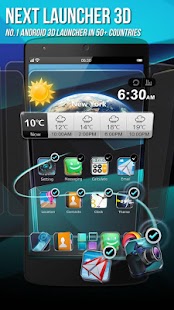
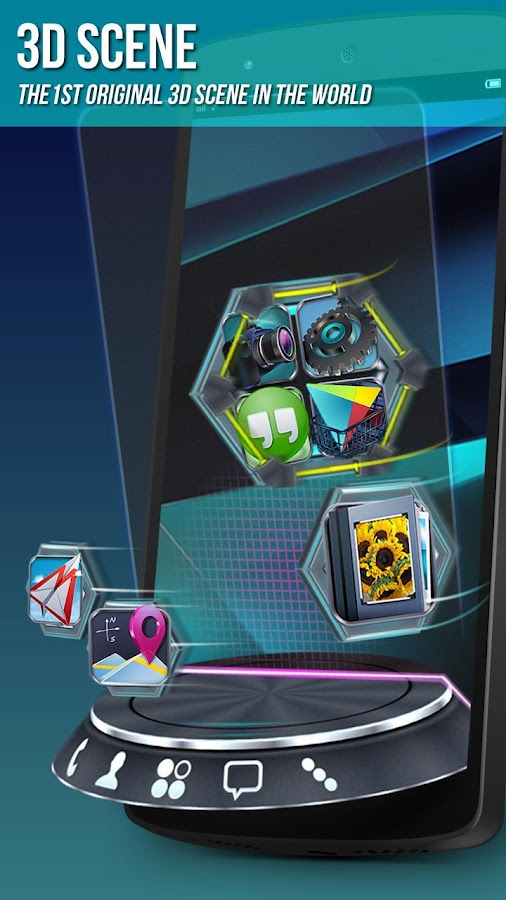
- Extremely fancy 3D effect with buttery smooth experience
- Real 3D Home Screen Transition Effects (Crystal, Cloth, Folding and more coming soon)
- Stunning 3D screen preview with dazzling animation of screen switching
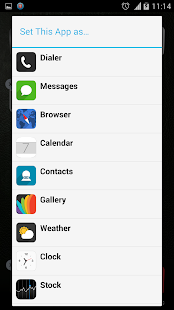
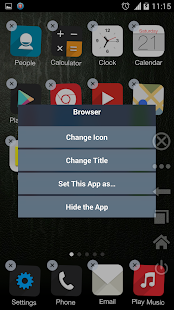
- Build unique icon style by changing its size, angle, style and label (Icon Editor)
- Combine all good parts from different themes into a single theme you really love (Theme Mix Mode)
- Efficient and powerful batch apps management with gestures
- Up to 8 different gestures available in home screen and app drawer
- See how cool your phone could be by blowing all the icons and the widgets to air space (Floating Mode)
- Enhanced shining border effects for home screen transition
- Up to 7 rows on dock to shortcut all your favorites
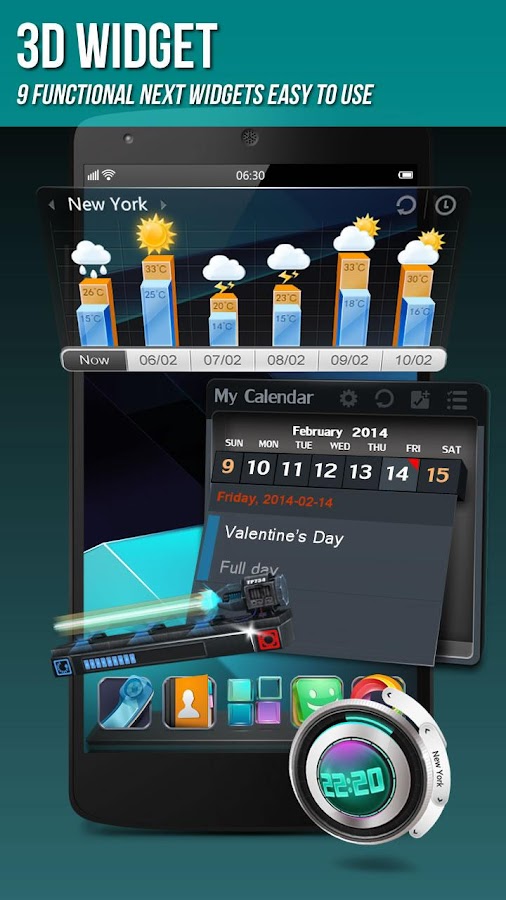
- Keep releasing 3D Next widgets, 3D themes and live wallpapers special designed by GO Launcher Dev Team
Watch Next Launcher 3D demo.
http://www.youtube.com/watch?v=88mjYORVVRc
■
FAQ
1. Why I have to set Next Launcher as default home screen replacement each time after some devices restarted?
A bug in Android system 4.1.x causes the problem. If you happen to encounter this issue, please download
Next Launcher Patchin Google Play and follow the tutorials to fix it.
2. How to avoid home screen elements loading problem?
Please
do not install Next Launcher 3D into your SDcard. It will help avoiding
home screen elements loading problem due to SDcard loading delay if you
restart your phone or remove SDCard.
3. How to use icons in GO Launcher themes?
Install
a Go Launcher theme -> Click “Next Key”- > Click "Theme Mix"
-> Click the shining desktop elements -> Find the GO Launcher
theme and apply it.
If you couldn’t apply some themes, please send themes name and your Next Launcher version to
nextlauncher@gmail.com. We will follow us ASAP.
We strive to become better than we are, providing the best Android home screen replacement for you! Thanks for your support!
More tips:
http://www.goforandroid.com/GDTEn/faq.aspx?softid=55&nav=99
 DOWNLOAD INSTRUCTIONS:
1) Download .apk file from links provided.
2) copy apk to sd card.
3) Install Launcher n enjoy!!!!!
DOWNLOAD LINKS:
LINK 1 (ZIPPYSHARE) v3.07
LINK 2 (4SHARED) v3.07
LINK 3 (4SHARED) v1.32
DOWNLOAD INSTRUCTIONS:
1) Download .apk file from links provided.
2) copy apk to sd card.
3) Install Launcher n enjoy!!!!!
DOWNLOAD LINKS:
LINK 1 (ZIPPYSHARE) v3.07
LINK 2 (4SHARED) v3.07
LINK 3 (4SHARED) v1.32