Search This Blog

Thursday, 6 March 2014

CUT THE ROPE HD


Cover art
Google play store link  https://play.store/cuttherope

Price of Game----->  Rs125.89 / $ 2.04

DESCRIPTION:
Cut the Rope HD is ad-free and supports high resolution for an optimal gaming experience.
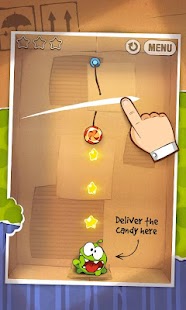
Cut the rope to feed candy to little monster Om Nom®! 400 million downloads around the world of this phenomenal puzzle game. 375 levels and more to come!
A mysterious package has arrived, and the little monster inside has only one request… CANDY! Collect gold stars, discover hidden prizes and unlock exciting new levels in this addictively fun, award-winning, physics-based game!
Key features:
• 15 boxes with 375 levels
• Innovative physics gameplay
• Adorable character
• Outstanding graphics
• "Om Nom Stories" animation shorts
• Superpowers
• Constant free updates with new levels and animations
Game awards:
• Apple Design Award
• BAFTA Award
• Pocket Gamer Award
• GDC Award
• Best App Ever Award

Cut the Rope HD - screenshot thumbnail     Cut the Rope HD - screenshot thumbnail    Cut the Rope HD - screenshot thumbnail

 DOWNLOAD INSTRUCTIONS:
 

1) Download .apk file from links provided.
2) copy apk to sd card.
3) Install app n enjoy!!!!!
 
 
DOWNLOAD LINKS:

MX LAUNCHER / I LAUNCHER by Infobit

here it is guys!!!!

MX LAUNCHER / I LAUNCHER by Infobit


Cover art

Google play store link https://play.store/mxlauncher

Price of app----- Rs 143/ $ 2.34

DESCRIPTION:Tired of same old android style launcher ,same old animation, same old layout.Almost all launchers on the play store provide similar experience .
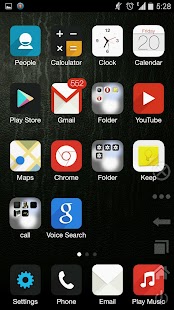
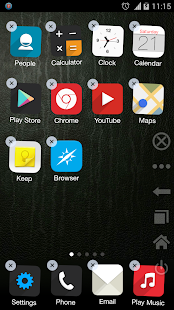
Try something new ,complete set of new animation, new icon design,blazing fast aniamtion and much more
Yet with very simple design.
GIVE IT A TRY,YOU WONT REGRET.
Major attraction
---------------------
-Blazing fast animation
-Buttery smooth animation
-Uses project butte animation rendering engine to provide seamless animation.
-Highly optimized,uses very low system resource
-Style,every design element is designed by the professional graphics designer.Everything is
pro looking.
-Hide apps.
- Bookmarks can be added on the home screen
-Direct calling contact shortcut can be added on the homescreen
-Verious saystem settings can be added .
-Live in app notification.
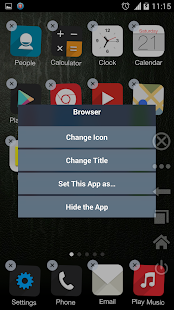
-Change icon from custom icon.
-Hide default apps.
-Uninstall apps directly from the home screen.
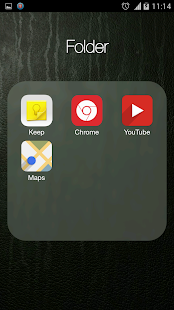
Folder -unlimited numbers of apps can be put in a scrollable folder
###### How to ######
ENABLING THE LAUNCHER : go to settings >apps> select the launcher you are using>clear default. Now press home button .Set launcher as default
FOLDER : just hold down any icon >drop over another icon
BIG ICON: if some icons looks little big >go to launcher settings>turn off large icon option>Clear default launcher
CHANGE ICON: Hold down on an icon and use the option.

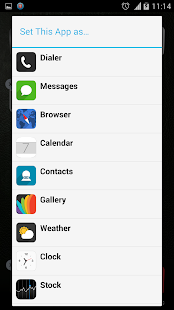
MX launcher - screenshot thumbnail     MX launcher - screenshot thumbnail     MX launcher - screenshot thumbnail
MX launcher - screenshot thumbnail     MX launcher - screenshot thumbnail

 DOWNLOAD INSTRUCTIONS:
1) Download .apk file from links provided.
2) copy apk to sd card.
3) Install Launcher n enjoy!!!!!

DOWNLOAD LINKS:

NEXT LAUNCHER 3D SHELL

Here it is guys!!!!!!!!!

NEXT LAUNCHER 3D SHELL


Cover art
Google play store link  https://play.store/nextlauncher

Price of app ----  Rs-1062.09/ $17.38

DESCRIPTION:

Next Launcher 3D Shell— Best 3D Launcher Ever. + Brand new UI3.0 Just Released!
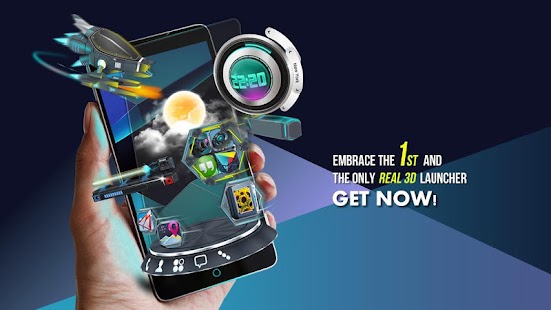
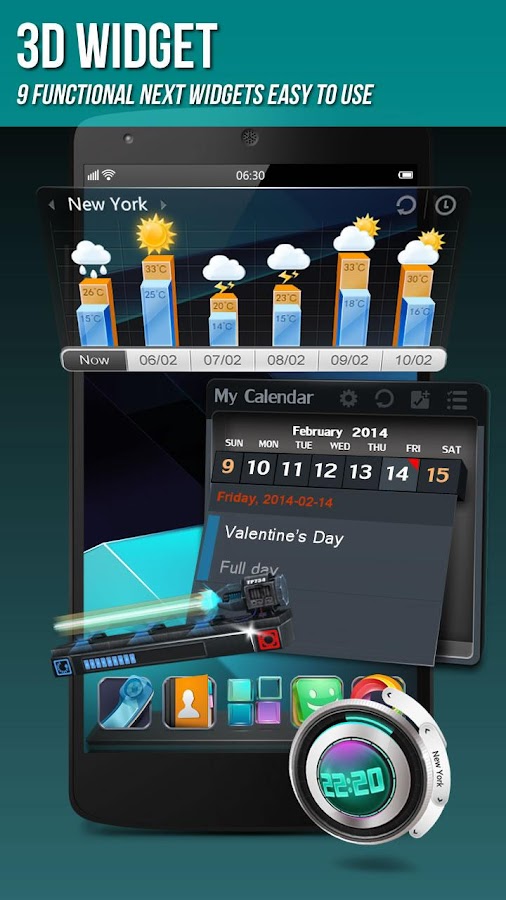
Next Launcher 3D Shell shows you how 3D dynamic effects and highly customizable Android home screen replacement app could redefine your Android device. Time to get rid of the flat traditional launcher and embrace REAL 3D Launcher! You deserve it!
Claim Your Next Launcher 3D Shell Right NOW!
Join millions of users for ultimate and splendid operation experience and visual enjoyment!
Testimonials
“One of the most heavily customizable, fluid, and striking launchers we’ve ever seen here at Redmond Pie.” - Redmond Pie
“A gorgeous app packed with dynamic effects and 3D elements. The gratifying 3D visual elements, transition effects, and gestures will get you a different and brilliant visual enjoyment and operation experience.” - Topapps
“The launcher features crazy 3D effects, turning any device you own into a futuristic Tron-centric trip. With additional themes and custom widgets downloadable from Google Play, it’s an extensive and extremely comprehensive option for someone looking to spice up their device.” - Droid-life
Key Features
- Extremely fancy 3D effect with buttery smooth experience
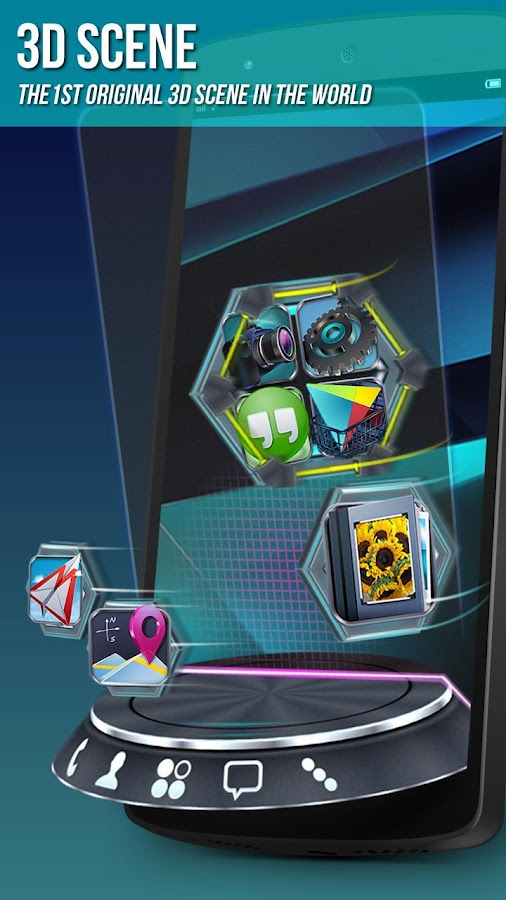
- Real 3D Home Screen Transition Effects (Crystal, Cloth, Folding and more coming soon)
- Stunning 3D screen preview with dazzling animation of screen switching
- Build unique icon style by changing its size, angle, style and label (Icon Editor)
- Combine all good parts from different themes into a single theme you really love (Theme Mix Mode)
- Efficient and powerful batch apps management with gestures
- Up to 8 different gestures available in home screen and app drawer
- See how cool your phone could be by blowing all the icons and the widgets to air space (Floating Mode)
- Enhanced shining border effects for home screen transition
- Up to 7 rows on dock to shortcut all your favorites
- Keep releasing 3D Next widgets, 3D themes and live wallpapers special designed by GO Launcher Dev Team
Watch Next Launcher 3D demo.
http://www.youtube.com/watch?v=88mjYORVVRc
FAQ
1. Why I have to set Next Launcher as default home screen replacement each time after some devices restarted?
A bug in Android system 4.1.x causes the problem. If you happen to encounter this issue, please download Next Launcher Patchin Google Play and follow the tutorials to fix it.
2. How to avoid home screen elements loading problem?
Please do not install Next Launcher 3D into your SDcard. It will help avoiding home screen elements loading problem due to SDcard loading delay if you restart your phone or remove SDCard.
3. How to use icons in GO Launcher themes?
Install a Go Launcher theme -> Click “Next Key”- > Click "Theme Mix" -> Click the shining desktop elements -> Find the GO Launcher theme and apply it.
If you couldn’t apply some themes, please send themes name and your Next Launcher version to nextlauncher@gmail.com. We will follow us ASAP.
We strive to become better than we are, providing the best Android home screen replacement for you! Thanks for your support!
More tips: http://www.goforandroid.com/GDTEn/faq.aspx?softid=55&nav=99

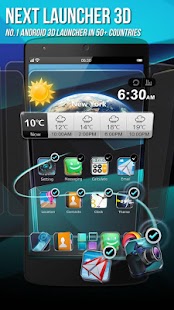
Next Launcher 3D Shell - screenshot thumbnail

Next Launcher 3D Shell - screenshot thumbnail       Next Launcher 3D Shell - screenshot      Next Launcher 3D Shell - screenshot

 DOWNLOAD INSTRUCTIONS:

1) Download .apk file from links provided.
2) copy apk to sd card.
3) Install Launcher n enjoy!!!!!

DOWNLOAD LINKS:


LINK 1 (ZIPPYSHARE) v3.07
LINK 2 (4SHARED) v3.07
LINK 3 (4SHARED) v1.32


Tuesday, 4 March 2014

Apex Launcher pro

here it is guys!!!!!

APEX LAUNCHER PRO

Cover art

Google Play Store Link https://play.store/Apex

Price of app -  Rs 249.99/ $4.04

DESCRIPTION:

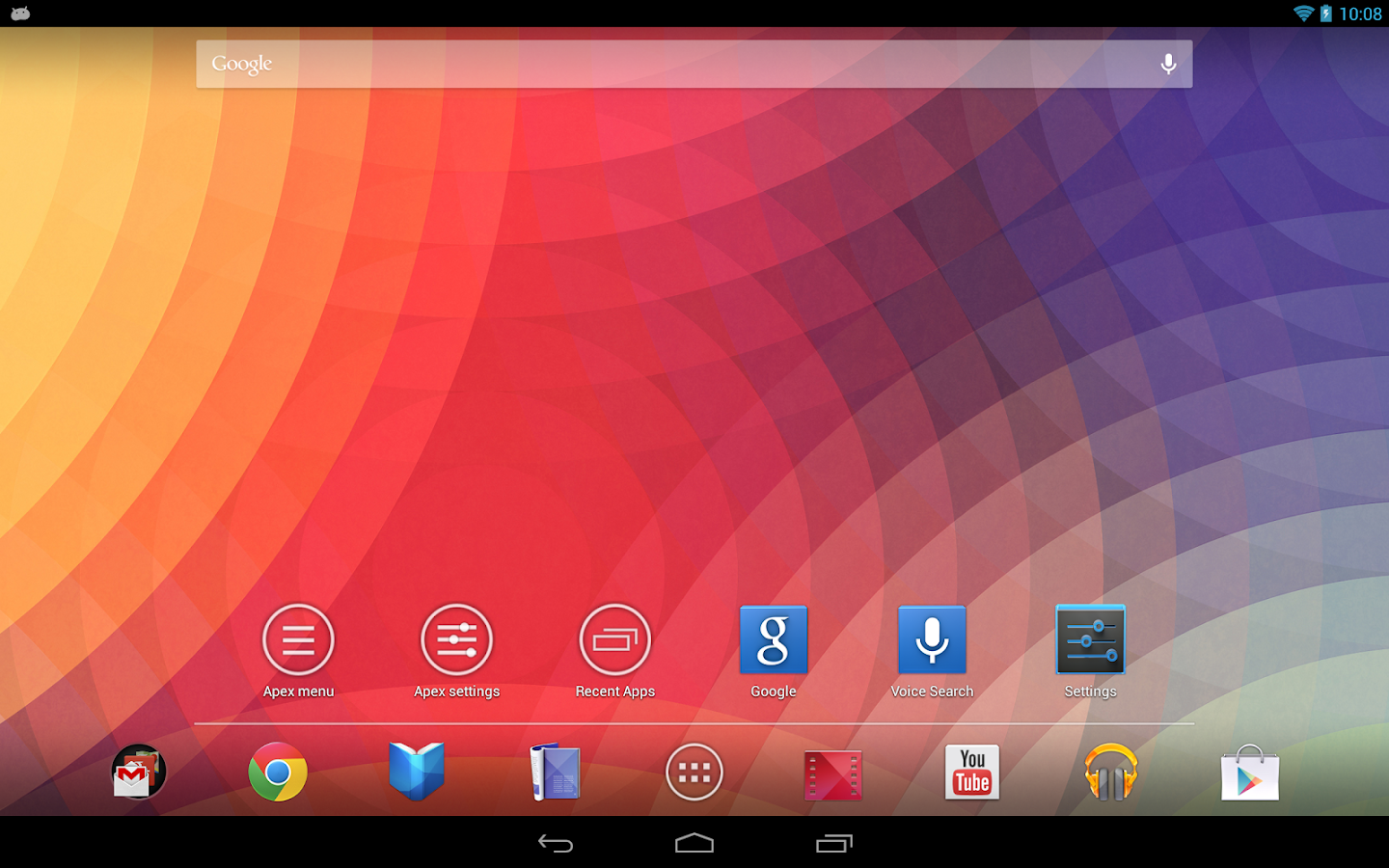
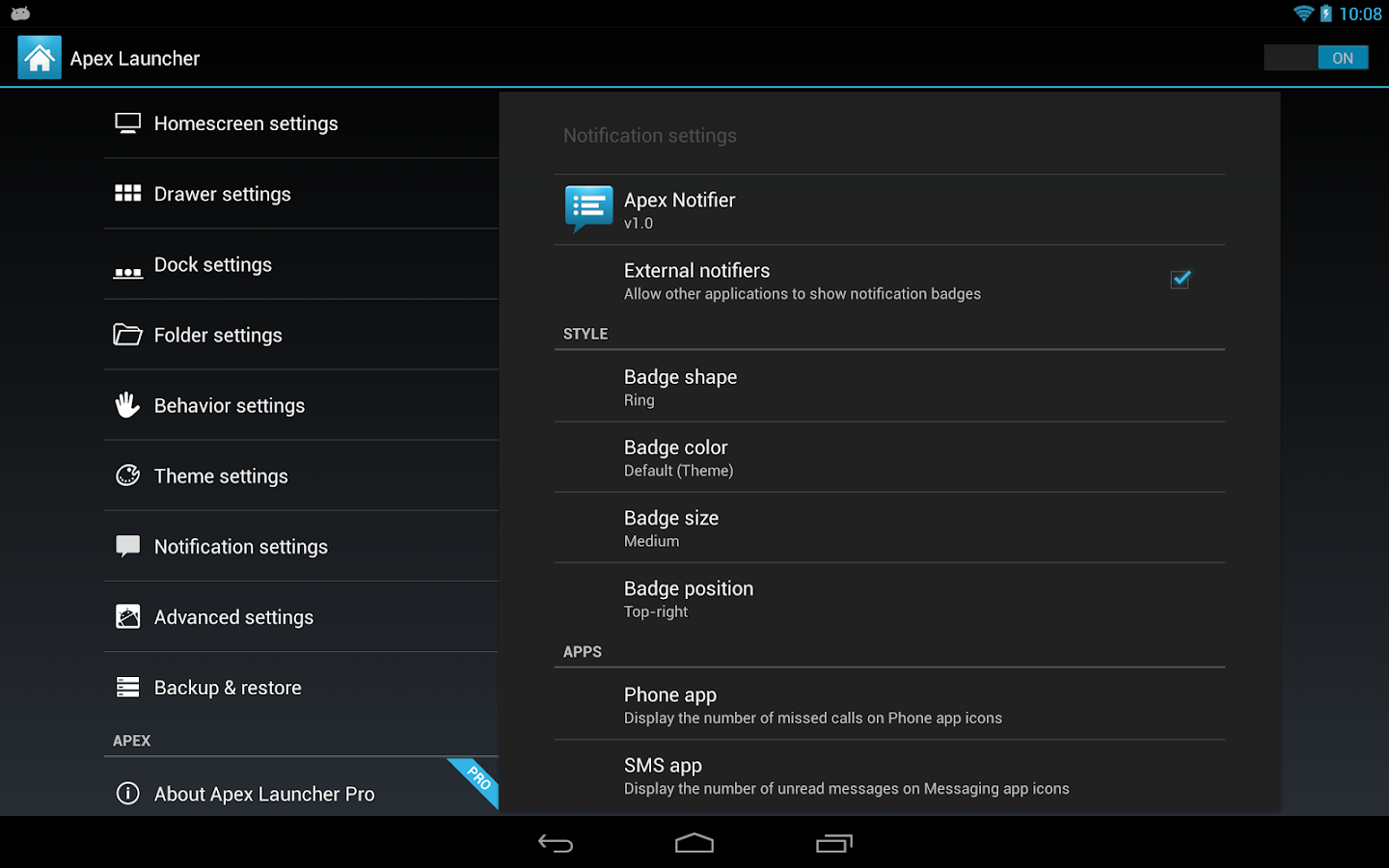
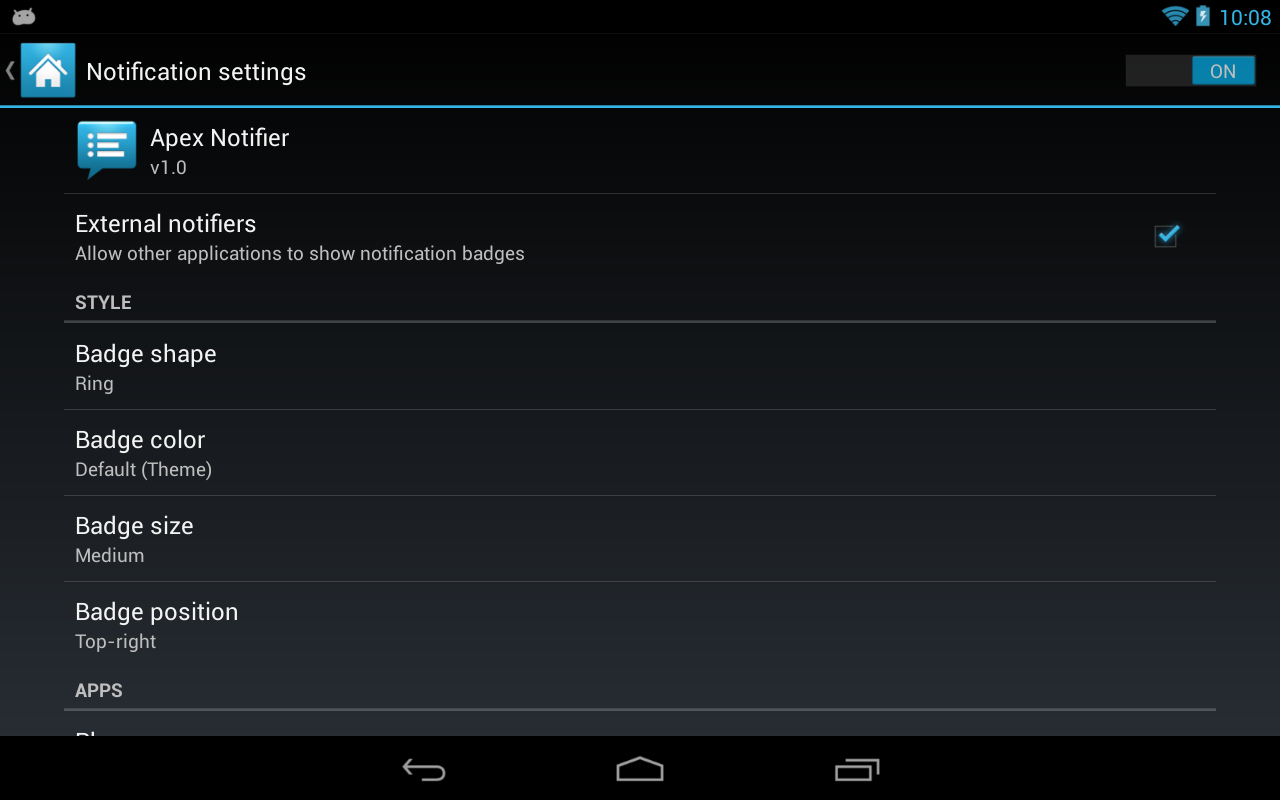
Apex Launcher helps you create a customized homescreen experience on your Android (4.0+) device. Apex Launcher Pro unlocks the following features:• Powerful drawer customizations (unlimited drawer tabs, folders in drawer)
• Unread count notifications (provided by the free Apex Notifier extension)
• Dock swipe actions (swipe up and down actions)
• More gesture options (two-finger gestures)
• Additional transition effects (accordion, cross, etc.)
• Flexible theme options (ADW, LauncherPro, Go Launcher themes)
• Enhanced folder support (batch add, merge folders)
• Advanced widget options (widgets in dock, overlapping widgets)
• More features on the way!
This app unlocks premium features in Apex Launcher. You must have the latest version of Apex Launcher (free) installed on your device. This app just acts as a license key to unlock the pro features.
After installing this app, please restart Apex Launcher (Apex settings > Restart Apex Launcher) and you should be running Apex Launcher Pro.
This app only works with official Apex Launcher releases. If you have trouble activating the pro version, please email us your Google order information for support.

Apex Launcher Pro - screenshot

Apex Launcher Pro - screenshot 


Apex Launcher Pro - screenshot 

DOWNLOAD INSTRUCTIONS:
1) Download .zip file from links provided.
2) copy extracted apk to sd card.
3) First install Launcher then install notifier.

Download Link: 
LINK 1 (4SHARED) 
LINK 2 (ZIPPYSHARE) 

Paper Camera

Here it is guys !!!!!!

PAPER CAMERA

Paper Camera - screenshot

Google play store link https://play.store/PC

Price of app-   Rs 119.99/ $ 1.94

Description

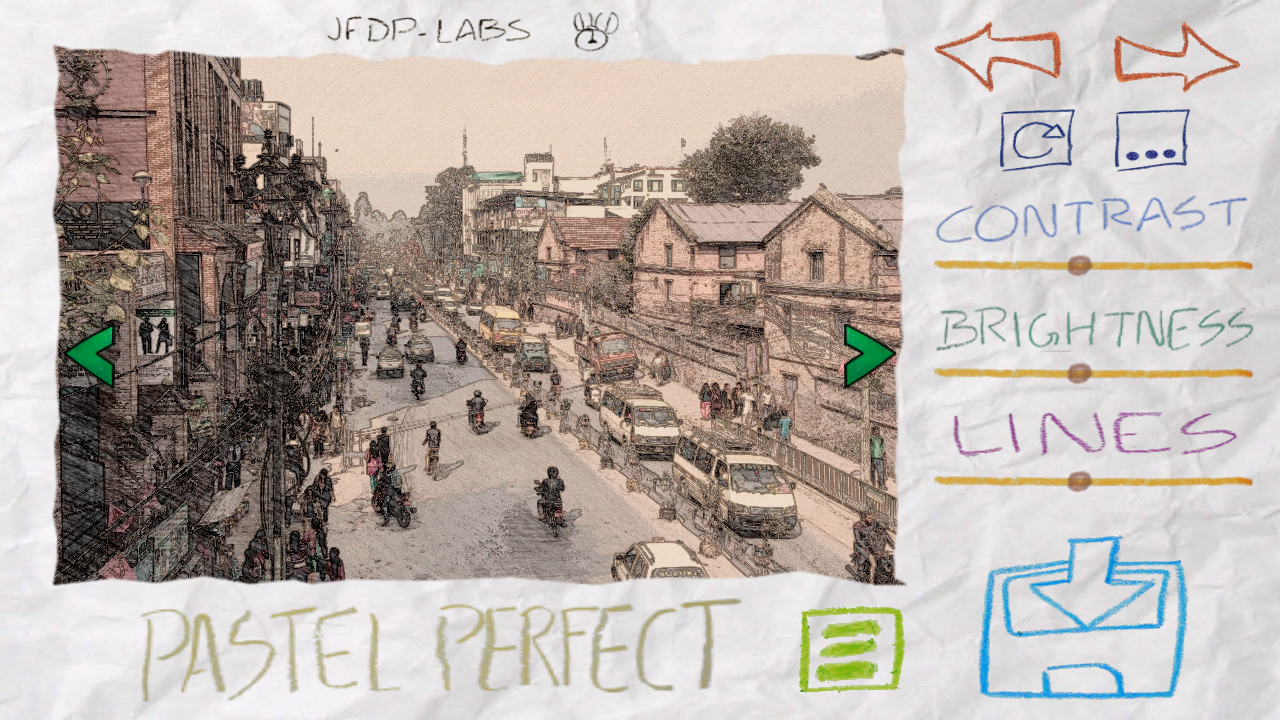
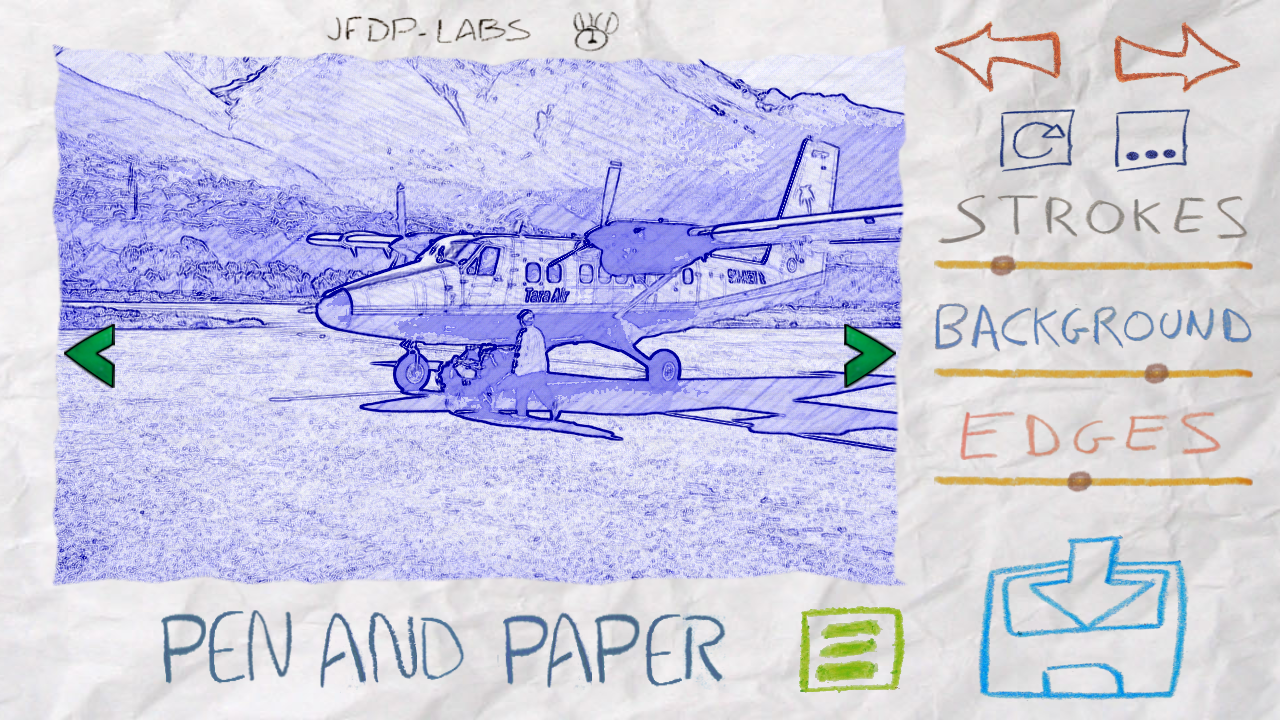
Real time cartoon and painting effects displayed on your camera feed! See the world through a new, original, stylish and captivating lens, have a wonder in your own home and discover how cool is now your world in cartoon!
This is the ultimate collection of cartoon/sketch/comic book/half tone/noir/neon and many other effects painted directly in your camera, no more boring post-effects, it's all real time, you simply won't stop wandering, wherever you are, having a look at things and cartoon-ize them!
You can wave your phone around and see the world change before your eyes, take pictures using any of the stylish cartoon effects or apply them to your existing photos.

REFUNDS:
Please contact us if you have any issues with this App, we will give you a refund and later notify you once we've fixed the problem.

FAQ:
● I’ve purchased the App, but I can’t download it.
Please check that you have good Internet connectivity and retry. If the problem persists, please contact us and we will provide a solution.
● I have a Samsung device, and the gallery doesn’t open sometimes.
Please allow a couple of seconds after taking a picture before clicking the gallery button, on Samsung devices the gallery can’t be open while running the media scanner.
● Why do you require the NFC and INTERNET permissions?
NFC is required to support Android Beam and INTERNET is required for the Facebook, Twitter and YouTube integration.

VIDEO FAQ:
● How can I play Paper Camera videos on my PC?
Using any WebM player. We recommend Firefox or Chrome, however you might be able to use Windows Media Player or Internet Explorer if you install the right plugins.
● I can't play Paper Camera videos on my standard device gallery.
You require Android 4.0 or higher for this to work, on older versions you can use the in-app video player.
● I can't record video with Paper Camera on my new device, why?
We've only enabled this feature on devices that we know can support it properly. However you can still try using unofficial video recording support.
● How do I enable unofficial video recording support?
In the settings menu. Let us know if this works properly on your device and we will officially enable it in future versions. Please note that you will have to be running Android 2.3.3 and have support for NEON instructions for this to work at all.
● I've unlocked unofficial video support but I cannot playback my videos in Paper Camera, why?
This is a known limitation on some devices, there are 3 workarounds for this:
- You can playback videos on your PC.
- You can use MX Video Player, if you enable software mode.
- Hopefully when your device will receive a 4.0 upgrade this issue will be fixed.

Paper Camera - screenshot Paper Camera - screenshot

DOWNLOAD INSTRUCTIONS:
 
1) Download (.apk) file from given links.

2) Put .apk file in sd card.

3) Install app through your phone and enjoy!!!!

 
 DOWNLOAD LINKS:
LINK 1 (ZIPPYSHARE) 
 LINK 2 (4SHARED)

Riptide GP2

Here it is guys!!!!!!

RIPTIDE GP2


Riptide GP2 - screenshot

Google Play store Link play.store/RGP2

Price Of Game- Rs 150 / $2.42

DESCRIPTION:

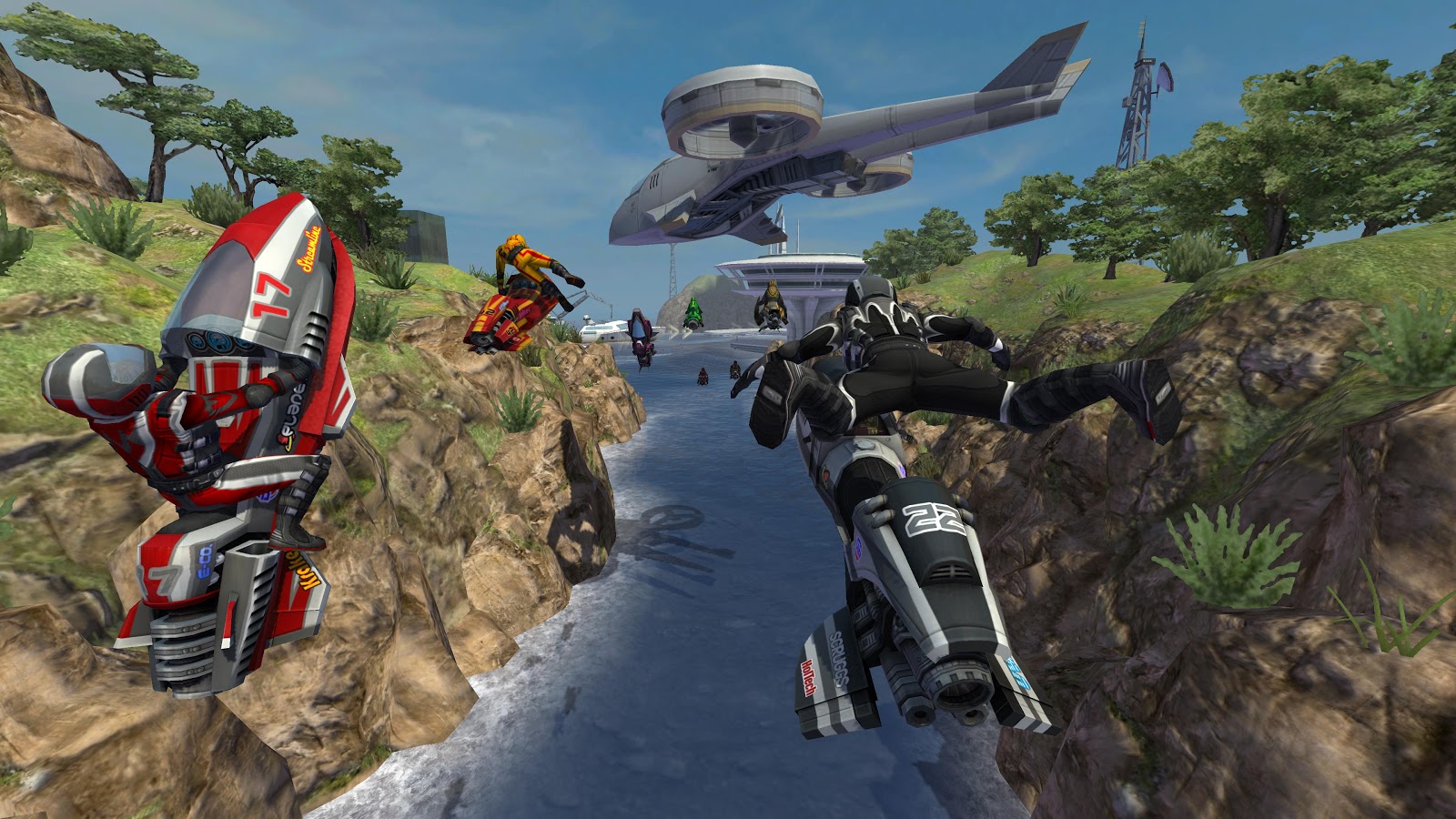
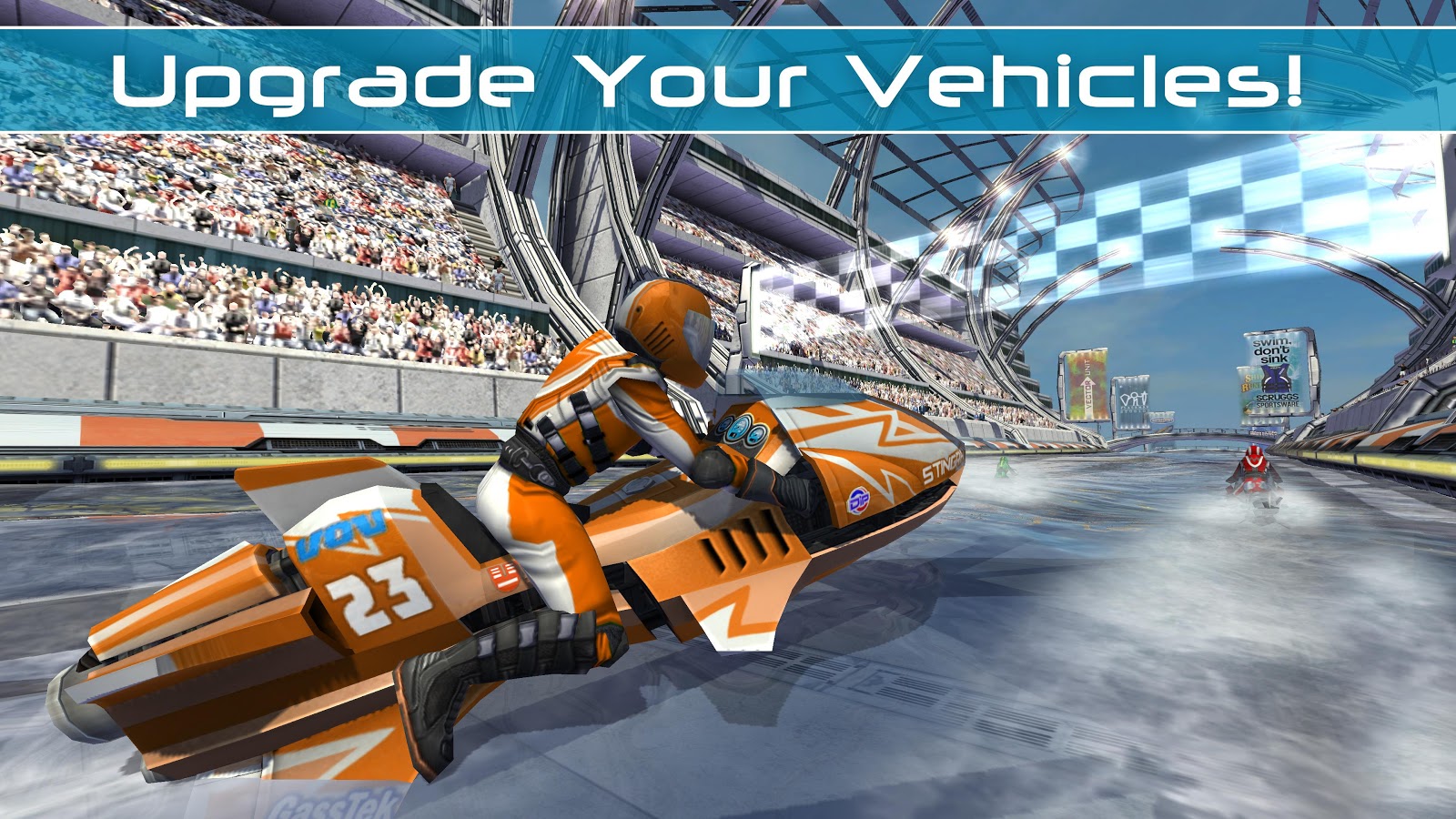
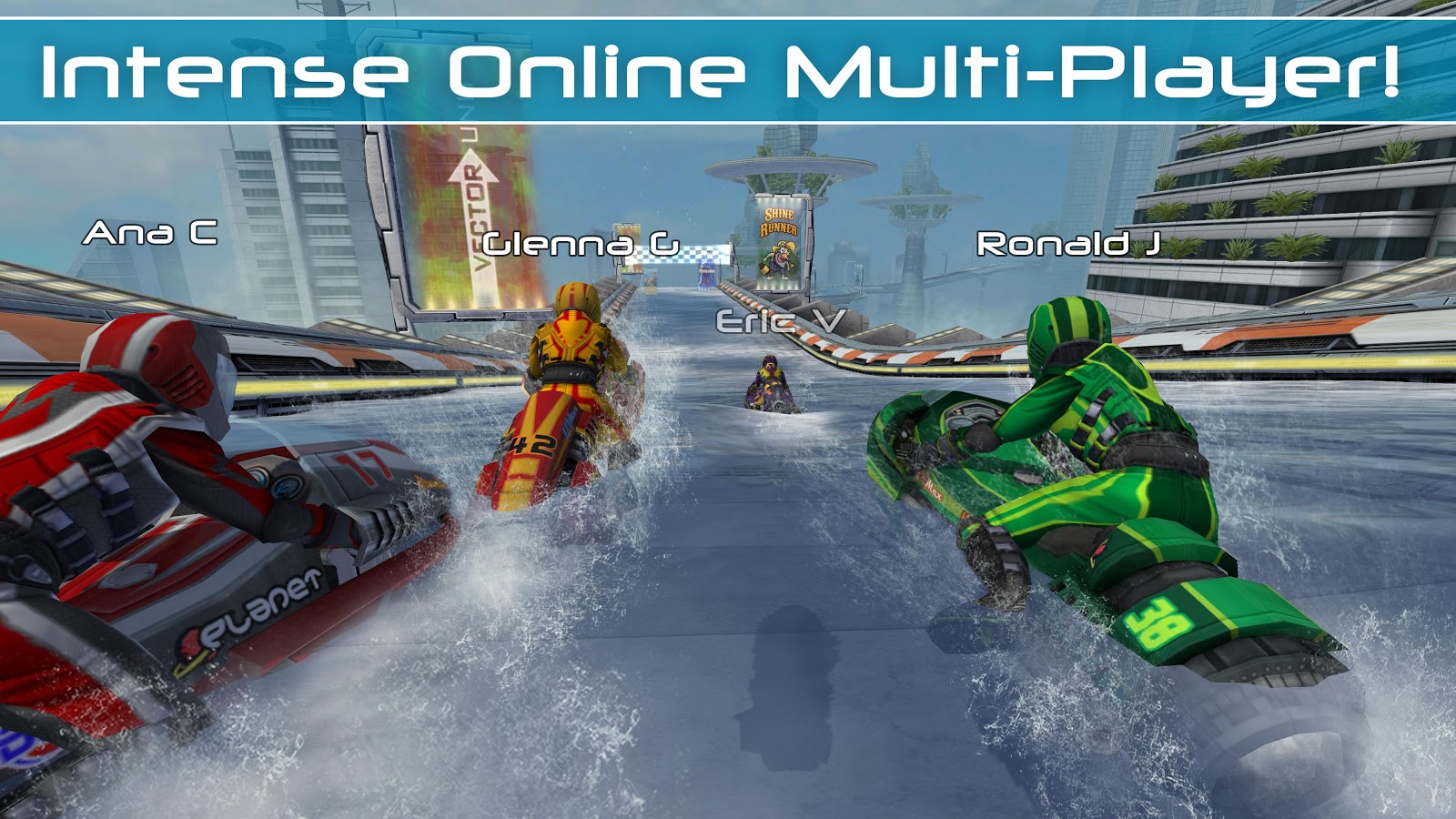
Riptide GP™2 kicks everything into overdrive, with intense online multi-player races, upgradeable hydro jets and riders, improved graphics, an all-new career mode, and a whole new stunt system with dozens of new tricks!
Featuring rocket-powered hydro jets racing around futuristic tracks across a dynamic and interactive water surface, Riptide GP2 delivers a fast, fun, and visually stunning racing experience.
From Vector Unit, developers of acclaimed racing games Riptide GP, Beach Buggy Blitz, Shine Runner, and Hydro Thunder Hurricane!

• • GAME FEATURES • •
• ONLINE MULTI-PLAYER
• Show off your skills and your custom-tuned hydro jet in 4-way online battles with friends and players around the world!
• CHALLENGE YOUR FRIENDS
• Race against your friends' best times in the exciting VR Challenge mode.
• ALL NEW CAREER MODE
• Play through Race, Hot Lap, Elimination, and Freestyle events to earn XP and cash that can be used to upgrade your hydro jet, unlock new stunts, and increase your rider's performance.
• ALL NEW WATERCRAFT
• Collect 9 powerful new hydro jets, and upgrade their performance and colors to gain an edge on your competition.
• ALL NEW STUNT SYSTEM
• Unlock and master 25 outrageous new stunts. Wow the crowd, charge your boost and make your competition eat wake.
• GAME THE WAY YOU WANT
• Seamlessly supports multiple control configurations for tilt, touch-screen, and gamepad play.
• GOOGLE PLAY GAME SERVICES
• Race online, earn achievements and keep your game synced to the cloud with your Google account.
• CUTTING EDGE TECH
• Powered by the all-new Vector Engine 4, Riptide GP2 builds on the original game’s stunning visuals, with extra-detailed HD graphics!
• OPTIMIZED FOR TEGRA 4
• Featuring additional optimizations exclusively for Tegra 4: higher-resolution textures, complex shaders, dynamic lighting, and real-time shadows. As featured in Tegra Zone! Play it on NVIDIA SHIELD!

• • CUSTOMER SUPPORT • •
If you encounter a problem running the game, please email the device you're using, Android OS version, and a detailed description of your problem to support@vectorunit.com.
We GUARANTEE if we can't fix your problem we'll give you a refund. But we can't help you if you just leave your problem in a review.
For fastest support on most common issues please visit:
www.vectorunit.com/support

• • MORE INFORMATION • •
Be the first to hear about updates, download custom images, and interact with the developers!
Like us on Facebook at www.facebook.com/VectorUnit
Follow us on Google+ at www.vectorunit.com/+
Follow us on Twitter @vectorunit.
Visit our web page at www.vectorunit.com
We welcome comments and suggestions for future improvements. If you have a suggestion, or just want to say hi, email us at info@vectorunit.com.

Riptide GP2 - screenshot   Riptide GP2 - screenshot

DOWNLOAD INSTRUCTIONS:
 
1) Download (.apk) file from given links.

2) Put .apk file in sd card.

3) Install app through your phone and enjoy!!!!

 DOWNLOAD LINKS:

LINK 1 (ZIPPYSHARE)
LINK 2 (FILE SEAR)
LINK 3 (4SHARED)

Monday, 3 March 2014

OfficeSuite Pro 7

here it is guys

OFFICE SUITE PRO 7


Cover art

 google play store link: https://play.store/OSP7

Price of App : Rs 620.68 / $ 10.00
 
AND you are getting it for FREEE


Description Bout App :


The world’s No. 1 mobile office today! SPECIAL PROMOTION 14.99$ > 9.99$!
# Installed on over 120 million devices in 205 countries
# Over 40,000 registrations per day
# No. 1 app in Google Play Business category
# 15 million downloads and over 15,000 reviews on Google Play
Font Pack now available for FREE for OfficeSuite Pro users!
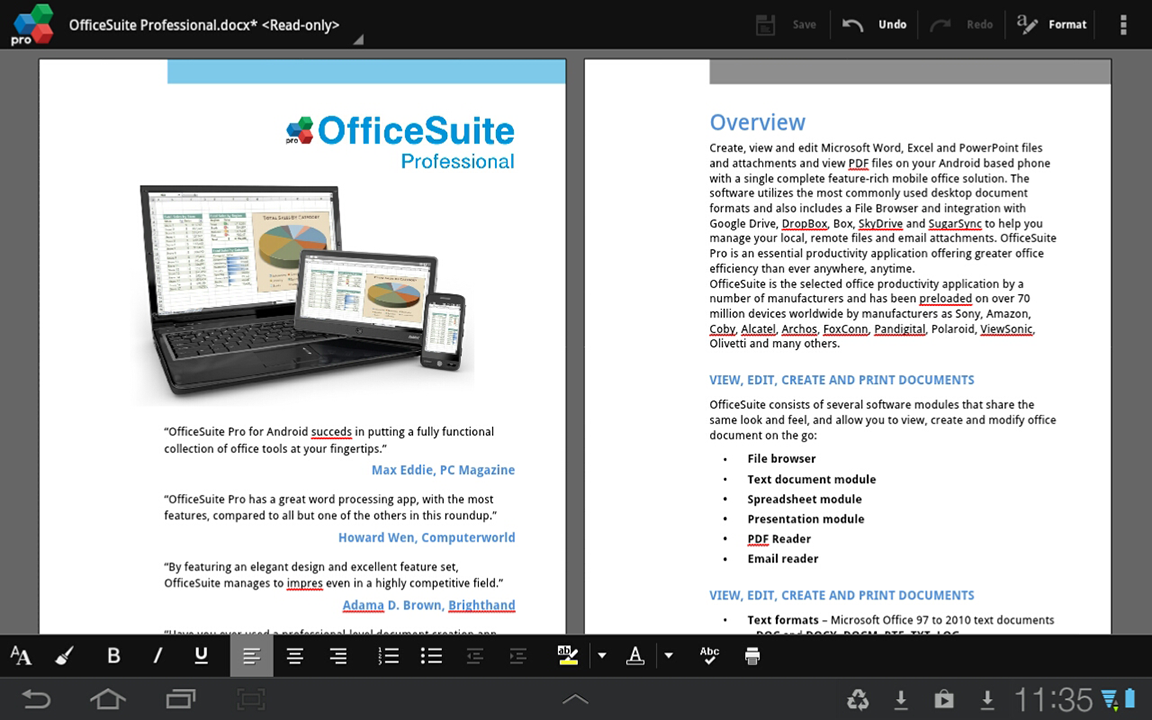
Made by MobiSystems, OfficeSuite Pro allows you to view, create, edit, print and share Microsoft Word, Excel and PowerPoint files on the go. You can also open attachments and see PDF files on an Android based phone or tablet with our feature-rich mobile office solution.
OfficeSuite Pro includes a File Browser and integration with Cloud service leaders: Box, DropBox, Google Drive, SkyDrive and SugarSync to give users a multitude of options on how to manage files and attachments.
A number of manufacturers such as Sony, Amazon, Barnes and Noble, Alcatel, Archos, Toshiba, Sharp, Polaroid, ViewSonic, Kyocera and Kobo trusted MobiSystems and preloaded OfficeSuite worldwide.
--- What is New in Version 7.4 ---
* Free Font Pack for OfficeSuite Pro included.
* Integration with ebook reader (UB Reader) and photo editor (PhotoSuite) apps.
* Ability to add custom fonts via dedicated folder /fonts on memory cards.
* Open office format support - ODT, ODS and ODP file extensions.
* Tight integration with Box app.
* Security improvements for cloud accounts.
* Support of named ranges.
* Ability to move cell selection.
* Fixed bugs in Count formulas.
* Conditional formatting.
--- File Formats Supported ---
* Text format - Microsoft DOC, DOCX, DOCM, RTF, TXT, LOG, ODT
* Spreadsheet - Microsoft XLS, XLSX, XLSM, CSV, ODS
* Presentation - Microsoft PPT, PPTX, PPS, PPSX, PPTM, PPSM, ODP
* Other formats - Microsoft PDF, EML, ZIP
* Microsoft Office 365 compatible
--- Easy File Access and Sharing ---
* With the integrated File Browser you can easily access, modify and share your local or Cloud stored files. OfficeSuite integrates with Google Drive, DropBox, Box, SugarSync and SkyDrive
* Easily open email attachments
* Work with Outlook EML files
* Share documents via Email or Bluetooth
-- Intuitive and Intelligent Design --
* OfficeSuite 7 comes with new intuitive design and user experience allowing quick and intuitive workflow while you manage your files or create and modify documents.
* New side bar gives instant access to local and cloud stored files.
* Two-finger zoom, multi-touch support, context toolbars and popup menus make your work with OfficeSuite quick and fun.
--- OfficeSuite Extensions ---
* QuickSpell – fully integrated with OfficeSuite Pro QuickSpell will help you dramatically improve your typing accuracy.
* QuickWrite - multilingual contextual text prediction tool and keyboard.
* Font Pack – allows you to use Microsoft most used fonts in OfficeSuite text documents.
* Oxford Dictionary of English - look up word meaning in office text documents in the most popular English dictionary
** Note that OfficeSuite Extensions are sold separately. Purchasing any of the extensions is optional.**
NOTE: For users with preloaded OfficeSuite Pro: This update will not affect your existing license.
Compatible with Sony Ericsson LiveDock™ Multimedia station.
com.sonyericsson.extras.ATTACHED
How OfficeSuite uses the granted permissions on your phone - http://www.mobisystems.com/android_office/full-features.html#permissions
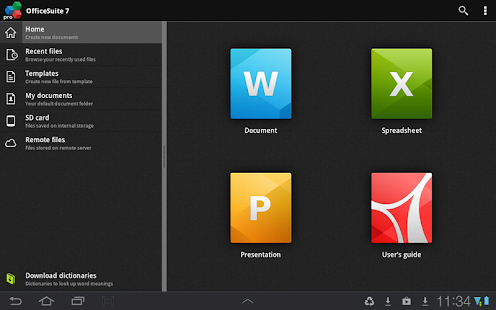
OfficeSuite Pro 7 (PDF& Fonts) - screenshot thumbnail

OfficeSuite Pro 7 (PDF& Fonts) - screenshot


 DOWNLOAD INSTRUCTIONS:
 
1) Download (.apk) file from given links.

2) Put .apk file in sd card.

3) Install app through your phone and enjoy!!!!

DOWNLOAD LINKS:

.apk File:

LINK 1 (zippyshare) 
LINK 2 (4 SHARED) 

SUPER BEAM AND PRO UNLOCKER

Here it is guys!!!!!!!

Super Beam PRO


Cover art
google play store link: http://play.store/superbeampro

Price of App : Rs 122.88 / $ 1.98

AND you are getting it for FREEE


Description Bout App : 

Important notes:
• This is the PRO version unlocker for SuperBeam. Please install the free version of SuperBeam before installing this PRO unlocker.
After installation, please restart SuperBeam app just to make sure everything goes well.
• You can download the SuperBeam for PC from here: http://superbe.am/pc
• You only need to purchase PRO unlocker once, and it will be available on all of your devices. If Google Play asks you to buy again on your other devices (or shows you error messages), just open SuperBeam PRO listing on Play Store on the web and you should be able to install it to all of your devices from there.
• Please do not upgrade to PRO if you are having issues with the free version, as the issues will most probably persist.
Get SuperBeam PRO now and unlock more awesome features:
★ Get rid of annoying ads.
★ Change the default saving location to any directory on any available storage (like external SD card).
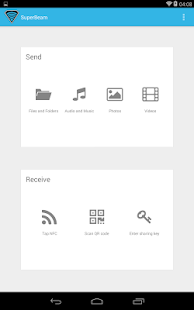
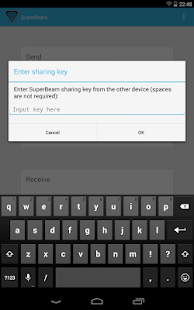
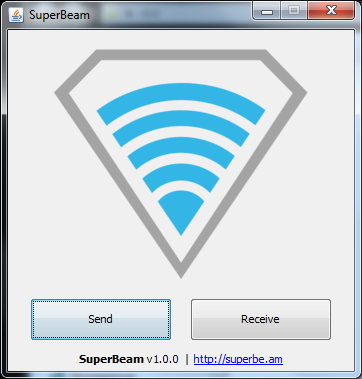
★ Send and receive files to/from your computer through SuperBeam app for PC, using QR code or manual sharing key (get it from http://superbe.am). By the way, it is compatible with Windows, Linux and Mac! *
★ Send entire folders and preserve their hierarchy.
★ Pair devices using manual sharing key. This is particularly useful for devices that do not have a camera nor NFC (like Android TV's).
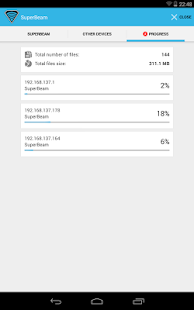
★ Share files with more than one device at the same time.
★ Send unlimited number of files through web interface, with the ability to download them all as a zip archive (with folders too!).
★ Share SuperBeam APK for those situations where there is no internet connection around. Makes life easier for your friends!
★ Automatically disable mobile data (3G/4G) connection while sharing with other devices, to prevent them from eating through your data plan.
★ Be SuperAwesome and support the future development of SuperBeam. This is just the beginning, and we have much more to surprise you with!

* Currently, SuperBeam for PC does not support WiFi Direct. Hence, both your computer and your Android device(s) must be connected to the same WiFi network in order to share files.

 SuperBeam PRO Unlocker - screenshot thumbnail     SuperBeam PRO Unlocker - screenshot thumbnail    SuperBeam PRO Unlocker - screenshot thumbnail


 SuperBeam PRO Unlocker - screenshot


DOWNLOAD INSTRUCTIONS:
1) Download (.apk) file from given link
2) Put .apk file in sd card.
3) Install app superbeam v3.3(apk)in phone
4)Run app once the close it.
5)After runnig app once then install unlocker.apk through your phone and enjoy!!!!

DOWNLOAD LINKS:

.apk File:

LINK 1 (4 shared)